👁️
Eye color identification
Point your camera at your iris or pick a close-up photo. Crop to the eye and the AI names your color in seconds.
Snap a close-up iris photo and get an instant AI report — named color, AI eye rating, shade breakdown, rarity score, pattern notes, and similar hues. Every scan saves to History on your iPhone.
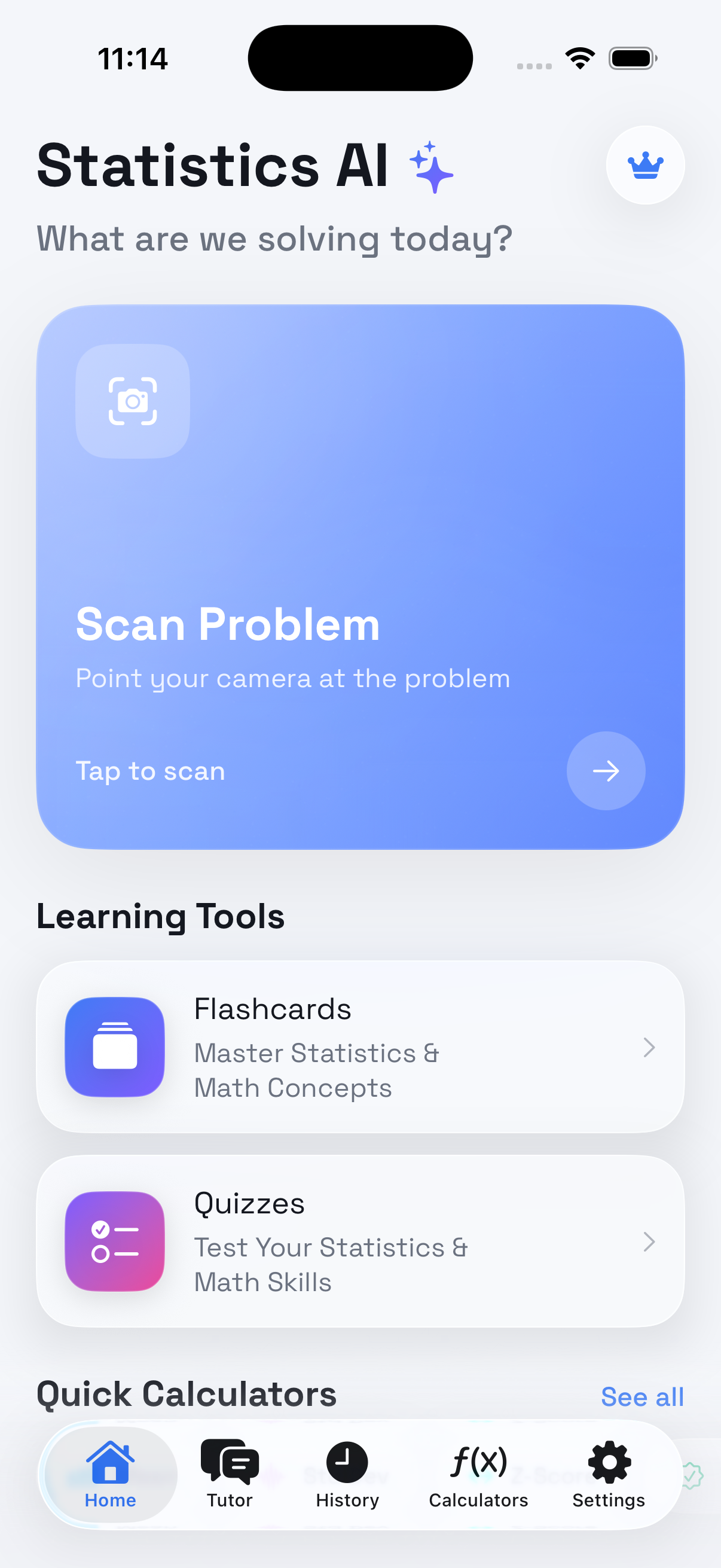
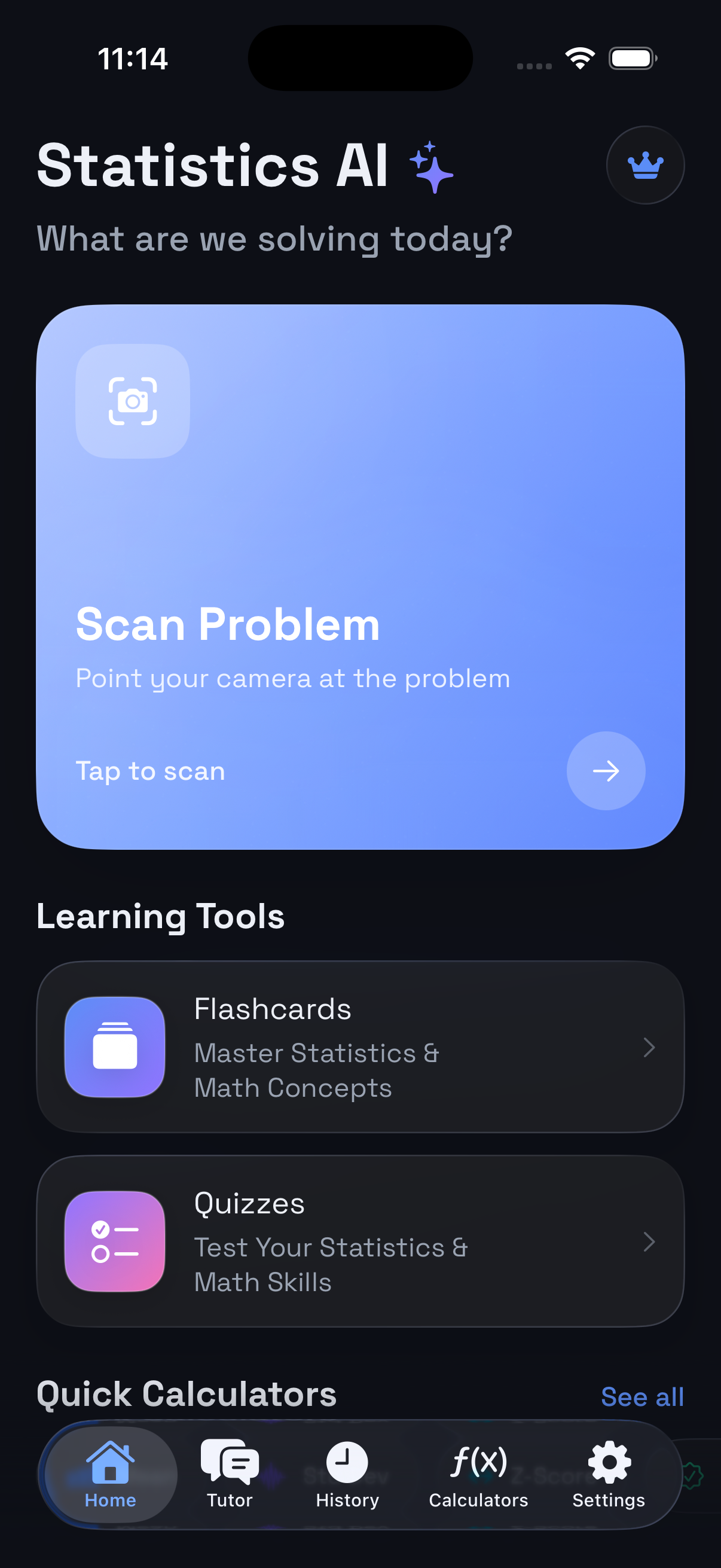
One close-up snap, a full iris report. Built for anyone curious about their exact eye color, shade mix, and how rare it is.
Point your camera at your iris or pick a close-up photo. Crop to the eye and the AI names your color in seconds.
Get scores out of 10 for overall look, vibrancy, contrast, pattern, uniqueness, and clarity — in a clean liquid-glass card.
See the percent mix of tones in your iris — amber, green, blue, brown, and more — with a visual shade chart.
Every scan saves to History on device. Browse past identifications, filter favorites, and reopen any result anytime.
Follow up with Ask AI — rarity, makeup contrast, lighting tips, and more grounded in your identification.
Get a rarity score and label that show how uncommon your iris color is compared to the global population.
From snap to full iris report in three simple steps.
Open the app and tap Scan Your Eye to use your camera, or upload a close-up eye photo from your library. Crop tightly to the iris for the best results.
Our AI examines the photo and returns a full report — named color, AI eye rating, shade percentages, rarity score, pattern notes, and similar hues.
Save favorites, share a PDF report, and ask follow-up questions. Every identification is kept in History on your device.
Native iOS design with a cool iris aesthetic — sapphire-teal accents on soft blue-gray or deep navy, built to feel precise and modern.
Each iris scan delivers a comprehensive report — not just a color name.
Choose weekly or yearly Pro access. Cancel anytime through Apple — no free trial.
No free trial on either plan. Pricing shown for reference — final price is always confirmed in the App Store. AI estimates are educational and not medical advice.
We built IrisIQ to help you explore your eye color — not to harvest your data.
Eye photos are sent to our secure backend for analysis, then processed and discarded. We never store your images server-side.
No email sign-up. An anonymous device ID handles subscriptions — it's not your name, email, or Apple ID.
Every scan is saved on your device. Your History, photos, and preferences stay with you — and never leave your phone.
Download IrisIQ on iPhone and identify your iris color in under a minute.